One flow, every channel
YouTube, Slack, email, SMS — underneath they're the same four moves. Learn them once on any screen and you know the whole app.
-
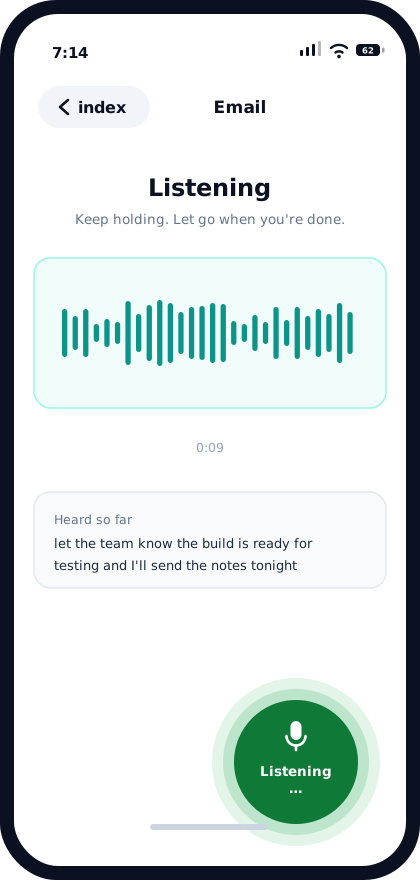
Hold the button and talk
Open a channel screen and press and hold the mic. Speak the way you'd speak to a colleague — no dictating commas, no saying "send to Dave". Let go when you're finished.
-
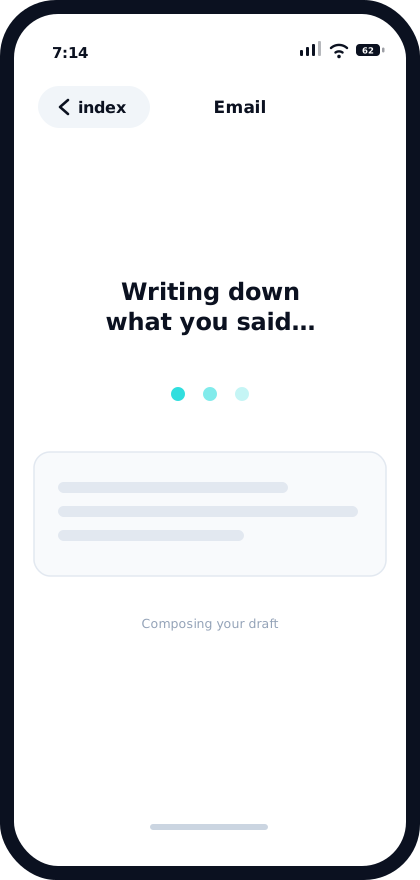
Eko writes it down and tidies it
Your recording is transcribed, then rewritten into something you'd be happy to have sent under your name. Tone is picked up from how you spoke; for email and messages, opening with "work" or "personal" sets it deliberately.
-
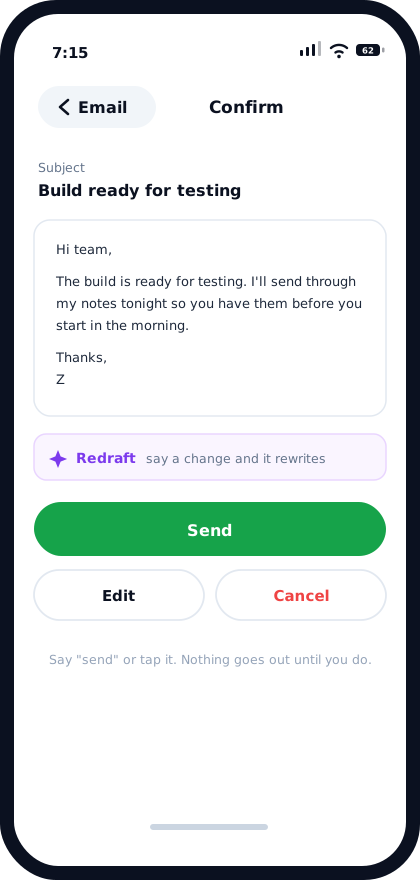
Read it on the Confirm screen
Every channel stops here. You see the finished draft — and for email, the subject line Eko generated — with Send, Edit and Cancel. Email also offers Redraft, where you speak a change instead of typing one.
-
Send it, by voice or by thumb
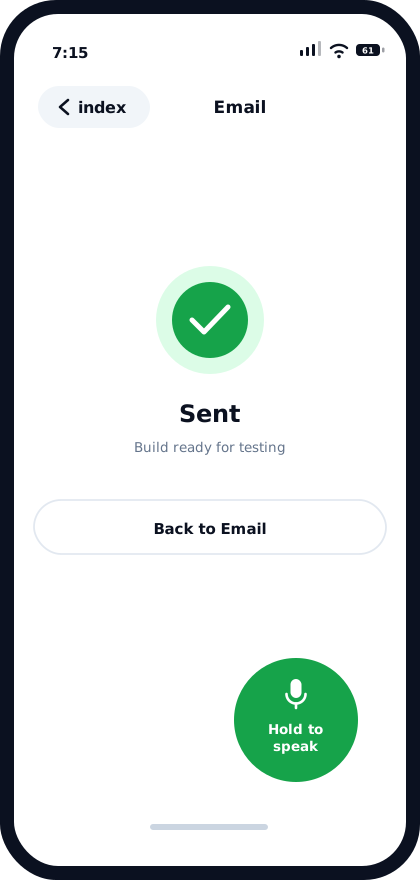
Say "send" or tap it. You get a confirmation, and on YouTube a direct link to the comment you just posted.
The four screens
What you actually see, in order.
What "tone" actually means here
Eko reads the sentiment of what you said and matches it — an annoyed message doesn't come back cheerful. On email and the messaging channels you can override that by starting with a single word:
Say "work email" and you get something you could send to a client. Say "personal email" and it relaxes. The word itself never appears in the draft.
Worth knowing: on email, Eko also writes the subject line for you. You don't dictate it and you don't have to think of one.
Three ways out of Confirm
Send posts it and gives you a confirmation. On YouTube you also get a link straight to the comment.
Edit hands you a keyboard, for when one word is wrong and talking about it would take longer than fixing it.
Cancel throws the draft away. Nothing was sent, so there's nothing to undo.
On email there's a fourth: Redraft. Hold the mic and say "make this firmer" or "shorten it", and the draft rewrites itself. Undo redraft walks back through the earlier versions if you preferred one of them.
Where it ends up
Confirm is universal. What happens after you tap Send depends on the channel.
Eko posts it for you
Email, YouTube, Twitch, Reddit and Slack are connected to your own accounts. Once you confirm, Eko sends it and tells you it's done.
Eko hands it over
WhatsApp, SMS and WeChat work differently by design. Eko writes the message, then passes it to the native app and opens it. You choose the recipient and send it yourself — Eko never sends directly on those three.
Now see it per channel
The flow above is constant. What changes is what Eko puts in front of you before you speak.